

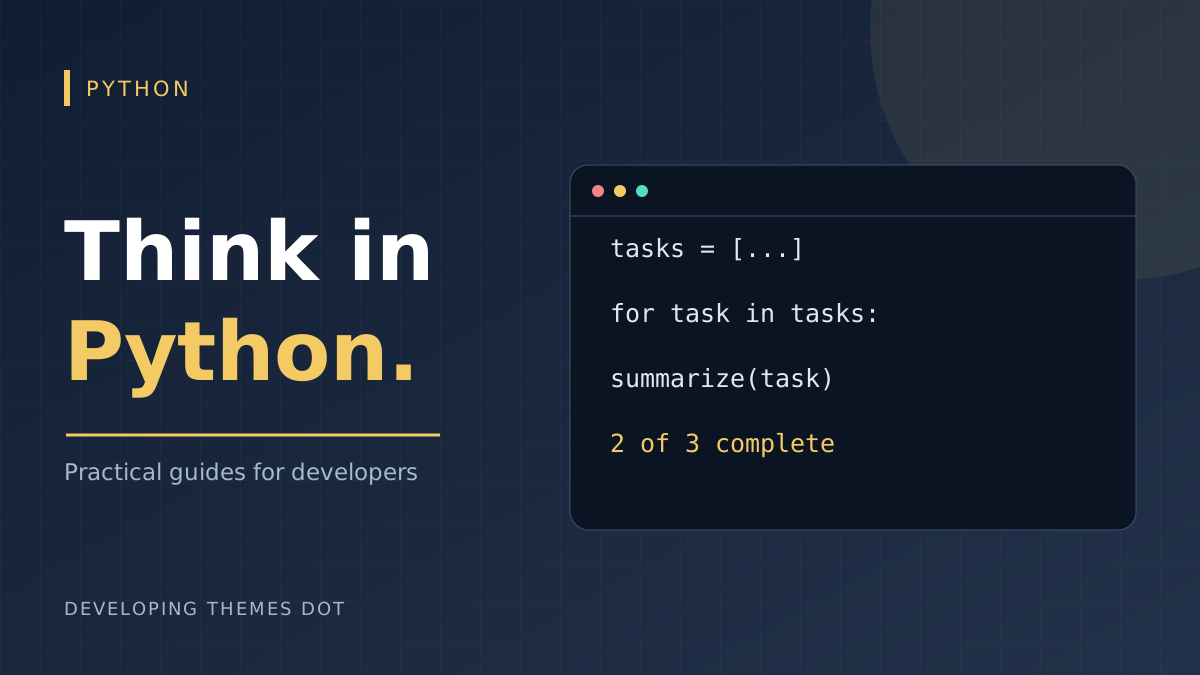
A useful first Python project can be small enough to understand in one sitting. In this guide, we will summarize a task list. You will practice moving data through a program instead of memorizing syntax without a purpose. All you need is Python 3 and a text editor.
Start with data you can inspect
Create a file named tasks.py. Represent each task as a dictionary with a title and a done flag. Keep those dictionaries in a list so you can process tasks in order. Consistent keys make the next steps predictable.
tasks = [ {"title": "Plan the page", "done": True}, {"title": "Write the content", "done": True}, {"title": "Review on mobile", "done": False}, ]
Give one function one clear job
Put the reporting logic in a function that returns a string. Returning the report makes it easy to print today and reuse in a command-line tool later. The generator expression counts completed tasks without building a second list.
def summarize(tasks): completed = sum(1 for task in tasks if task["done"]) return f"{completed} of {len(tasks)} tasks complete" print(summarize(tasks))
Run python tasks.py from the folder containing the file. On Windows, py tasks.py may be the available launcher; on some systems the command is python3 tasks.py. The result should be: 2 of 3 tasks complete.
Make the unfinished work visible
A total tells you how much is done; a loop tells you what remains. Add this after the print statement. Indentation defines the body of the loop and the condition, so use four spaces consistently.
for task in tasks: if not task["done"]: print(f"Next: {task["title"]}")
Check the boundaries before adding features
An empty task list should produce a sensible report. A finished list should count every task. These checks exercise behavior that is easy to overlook while working with a single example.
assert summarize([]) == "0 of 0 tasks complete" assert summarize([{"title": "Ship", "done": True}]) == "1 of 1 tasks complete"
This example assumes every task has the expected keys and a Boolean done value. Data from a file or form needs validation before it reaches this function. For a next exercise, add a due date, then write a separate function that returns overdue tasks. Keep calculation separate from printing so each part stays easy to reason about.
Continue learning
Turn the example into a reusable command
Hard-coded tasks help you learn the language, but editing source code every time a task changes soon becomes frustrating. A useful next step is to read the task list from a JSON file. Keep the same list of dictionaries: changing the source of the data should not require rewriting summarize(). This boundary between loading and processing is one of the most useful habits you can develop.
Create tasks.json alongside tasks.py with the following contents. JSON uses lowercase true and false. Python uses True and False in source code; the JSON parser handles that conversion for you. Do not paste Python dictionary syntax directly into a JSON file.
[ {"title": "Plan the page", "done": true}, {"title": "Write the content", "done": true}, {"title": "Review on mobile", "done": false} ]
Validate records at the boundary
A file can contain valid JSON and still have the wrong structure. A task with done set to the string "false" would count as completed in the earlier truthiness check. Validate the top-level list, every record, and the exact fields your calculation uses. This loader rejects inconsistent data with an error that identifies the record to fix.
import json from pathlib import Path def load_tasks(path): with Path(path).open(encoding="utf-8") as source: records = json.load(source) if not isinstance(records, list): raise ValueError("Expected a list of tasks") for index, task in enumerate(records, start=1): if not isinstance(task, dict): raise ValueError(f"Task {index} must be an object") title = task.get("title") if not isinstance(title, str) or not title.strip(): raise ValueError(f"Task {index} needs a title") if not isinstance(task.get("done"), bool): raise ValueError(f"Task {index} needs a Boolean done value") return records
Handle expected failures clearly
Keep summarize() from the earlier example. Replace the original top-level print and loop with the main function below, and put it after your function definitions. The filename is resolved relative to the script, so running the command from a different folder does not accidentally point at a different tasks.json.
def main(): path = Path(__file__).with_name("tasks.json") try: tasks = load_tasks(path) except (OSError, ValueError) as error: print(f"Could not load tasks: {error}") return 1 print(summarize(tasks)) for task in tasks: if not task["done"]: print(f"Next: {task["title"]}") return 0 if __name__ == "__main__": raise SystemExit(main())
The entry-point guard runs the command when you execute the file, while allowing another module to import its functions without printing a report. Returning 1 on failure also lets a calling script distinguish success from an error. Catch expected input failures here; avoid a blanket catch that could hide a programming mistake inside summarize().
Troubleshooting your first script
If Python reports an IndentationError, check the lines just before the reported location and convert tabs to spaces. If a name is undefined, confirm that the function definition runs before the function call. If the JSON loader fails, check for trailing commas, single quotes, or uppercase Boolean values. Read the complete error message before changing code; the exception type tells you which assumption failed.
Try four small experiments: remove tasks.json, replace the list with an object, change one done value to a string, and restore the valid file. Each invalid case should end with an understandable message and a nonzero exit status. Finally, add a second unfinished task and confirm that the summary and the Next lines both change.
Practice: build a weekly report
Add a project field to each record and group the unfinished tasks by project. Start by writing down the output you want, then implement one transformation at a time. Keep file access in load_tasks(), calculations in pure functions, and output in main(). That structure gives you room to grow without turning a small script into a single long block of mixed responsibilities.
Comments