

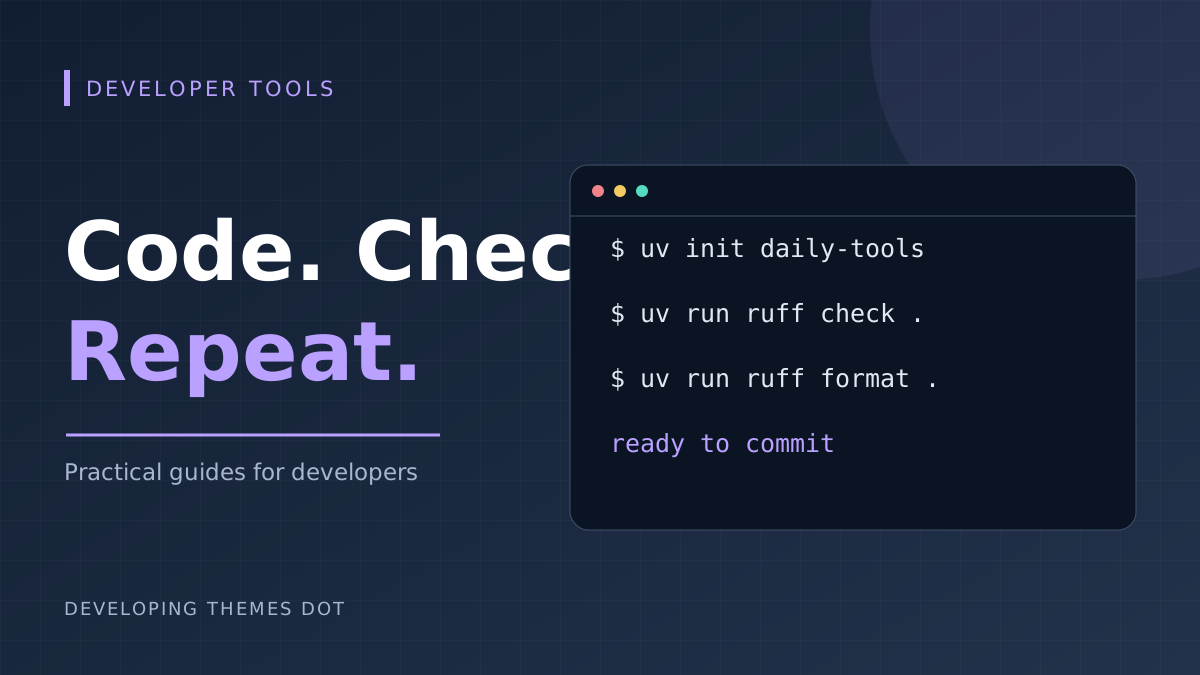
A reliable development routine should be easy to repeat after a week away from a project. This setup gives dependency management to uv and code linting and formatting to Ruff. Your application still needs tests for its behavior; these tools handle a different part of the job.
Create the workspace
Install uv using the instructions for your operating system in the official documentation below. Then create a project and add Ruff as a development dependency.
uv init daily-tools cd daily-tools uv add --dev ruff
Keep pyproject.toml and uv.lock in version control. The project file records dependencies and configuration; the lockfile records resolved dependencies. The local .venv directory belongs outside version control. When another developer checks out the project, uv sync prepares the environment from the project metadata and lockfile.
Run the two checks deliberately
uv run ruff check . uv run ruff format .
The first command reports lint findings. The second rewrites formatting, so review its diff before committing. To see what automatic lint fixes would change, run uv run ruff check --diff .; apply fixes with --fix after reviewing them. Avoid unsafe fixes until you understand their effect.
Agree on a small configuration
Add the following to pyproject.toml. This starts with common error checks, unused-code checks, and import sorting. A team can expand the policy later without turning the first cleanup into a large rewrite.
[tool.ruff] line-length = 88 [tool.ruff.lint] select = ["E4", "E7", "E9", "F", "I"]
Keep automated checks read-only
uv sync --locked uv run ruff check . uv run ruff format --check .
Use these commands in continuous integration so style problems fail a check instead of silently changing committed files. Select the same Python version locally and in CI, and run the application test command as a separate step. A clean lint result cannot prove that the program calculates the right result or protects user data.
A routine you can keep
Before each commit, run linting, formatting, and the relevant tests, then review the diff. Update dependencies in a deliberate change so any resulting behavior changes are easier to investigate. Small, predictable steps make this workflow useful across both scripts and web applications.
Make your first cleanup easy to review
Introducing tooling to an existing repository can produce a distracting diff. Start from a clean working tree and run the checks without applying fixes. Separate mechanical formatting from application behavior changes. A reviewer should be able to inspect a formatter-only commit without also deciding whether a new feature is correct.
Try a deliberately untidy file in a temporary branch. Include an unused import, an unsorted import group, and uneven spacing. Run the linter first and read the rule codes. Then run the formatter and examine the diff. This small experiment shows which tool handles each problem before you apply the workflow across a larger project.
Keep editor and terminal results consistent
Open the repository root in your editor so its tools can discover the project configuration. Select the project environment and use one formatter for Python files. If save-time formatting disagrees with the terminal, check the selected interpreter, tool version, and configuration file before changing rules to silence the difference.
A useful debugging sequence is to save the file, run the exact failing command in a terminal, inspect the rule identifier, and locate the applicable configuration. Copying a random ignore list from another project can hide the warning without solving the mismatch. Keep any exception narrow and explain why the affected code needs it.
Separate dependency updates from ordinary checks
Use uv sync --locked when you want a stale lockfile to fail instead of being refreshed implicitly. For a deliberate update, use uv lock --upgrade-package followed by the package name, then sync and test. Review both the dependency diff and any behavior changes before merging. The lockfile makes a choice repeatable; it does not prove the chosen dependency is compatible with your application.
uv lock --upgrade-package ruff uv sync --locked uv run ruff check . uv run ruff format --check .
Update one tool or a small related set at a time when diagnosing compatibility problems. If a new Ruff release reports additional findings, decide whether to fix the code or adjust the policy in the same reviewed change. Avoid changing application logic merely to make a formatting update appear successful.
A minimal GitLab check job
For a small project that supports Python 3.12, the following job is a starting point. It installs uv in the CI environment, synchronizes the project, and runs read-only checks. Match the Python version to your own supported runtime. A stricter release process should also pin its CI image and uv version according to the team's update policy.
python_quality: image: python:3.12-slim script: - python -m pip install uv - uv sync --locked - uv run ruff check . - uv run ruff format --check .
Add the project test command only after its runner is declared as a development dependency. For example, a project using pytest can add uv run pytest after the quality checks. Keep the job focused: database-backed tests may need services and test credentials, while linting should not require access to your production systems.
Troubleshoot a failed pipeline
If synchronization fails because the lockfile is outdated, update it locally and commit the result. If formatting fails, run the formatter locally and review the changes. If linting fails only in CI, compare Python and Ruff versions and confirm that both environments use the committed configuration. Rerunning an unchanged job rarely fixes a deterministic source-code failure.
Keep a short setup section in the project README with the supported Python version, environment preparation command, lint command, format command, and test command. Ask someone to follow it from a fresh checkout. Any step that depends on an undocumented local package or editor setting is a gap in the workflow.
Your next maintenance task
Choose one repository and record the current check results before making changes. Introduce the smallest useful rule set, clean up the resulting findings, and add the CI check. Once the baseline is stable, consider additional rules based on actual mistakes your team encounters. A policy that people understand and run consistently has more value than a long configuration nobody can explain.
Comments